ankify
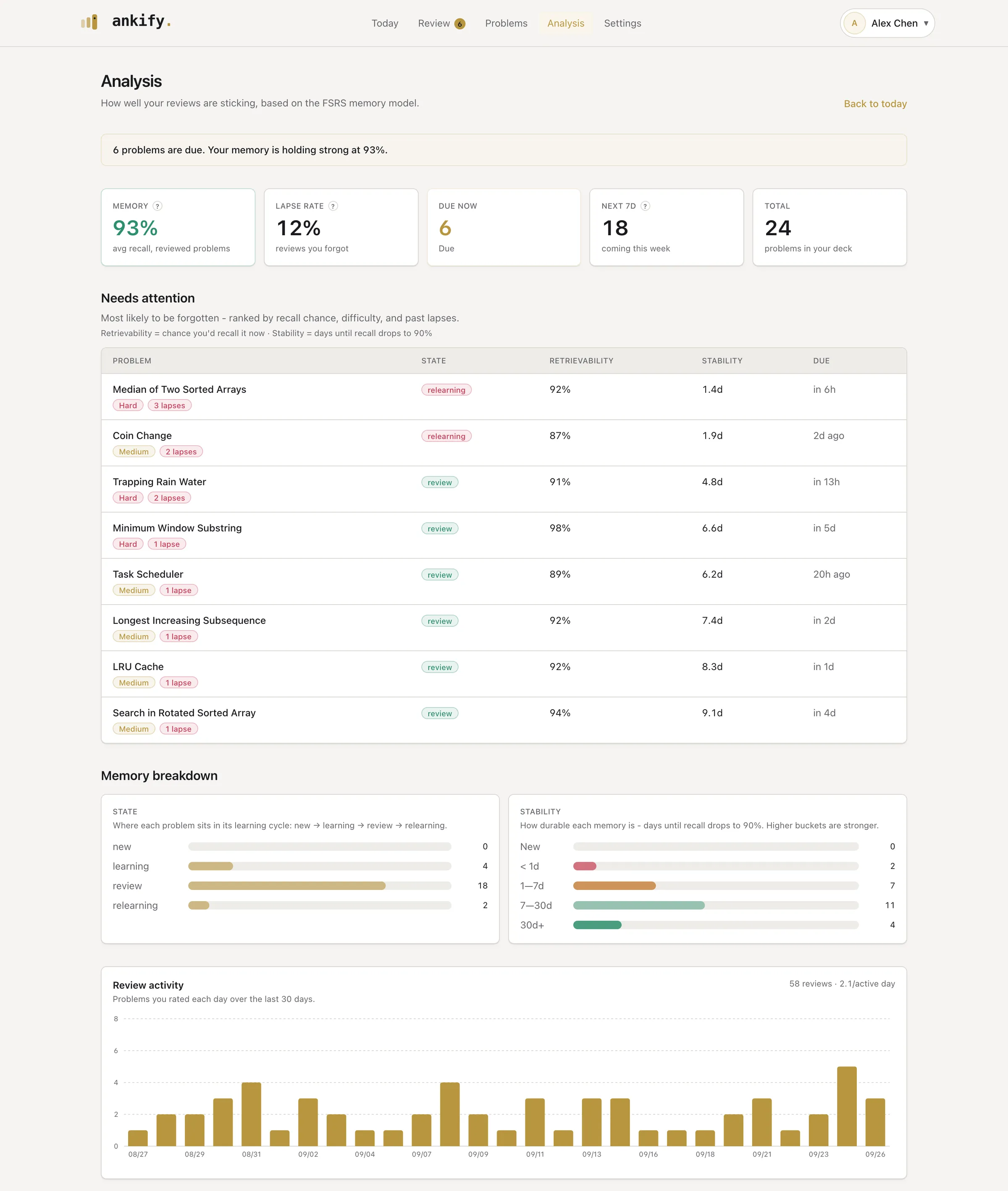
Spaced repetition for LeetCode. One click captures a problem and every submission; FSRS-6 brings it back, and a Study Coach that has read your code runs the review.
TypeScript · Next.js 16 · Chrome MV3 · Vercel AI SDK · Drizzle · Turso
You solve a hard problem, and a week later you remember that you solved it but not how. LeetCode records what you solved; Anki handles vocabulary but turns algorithm problems into a pile of disconnected cards. ankify schedules the whole problem.
How it works
- Solve on LeetCode as usual. Accepted or not, every attempt counts.
- Capture with one click in the Chrome extension: the statement, all submissions, and the exact failing test case with expected vs. actual output.
- Review when FSRS-6 says you’re about to forget, on the web or in the extension side panel next to LeetCode.
What’s interesting under the hood
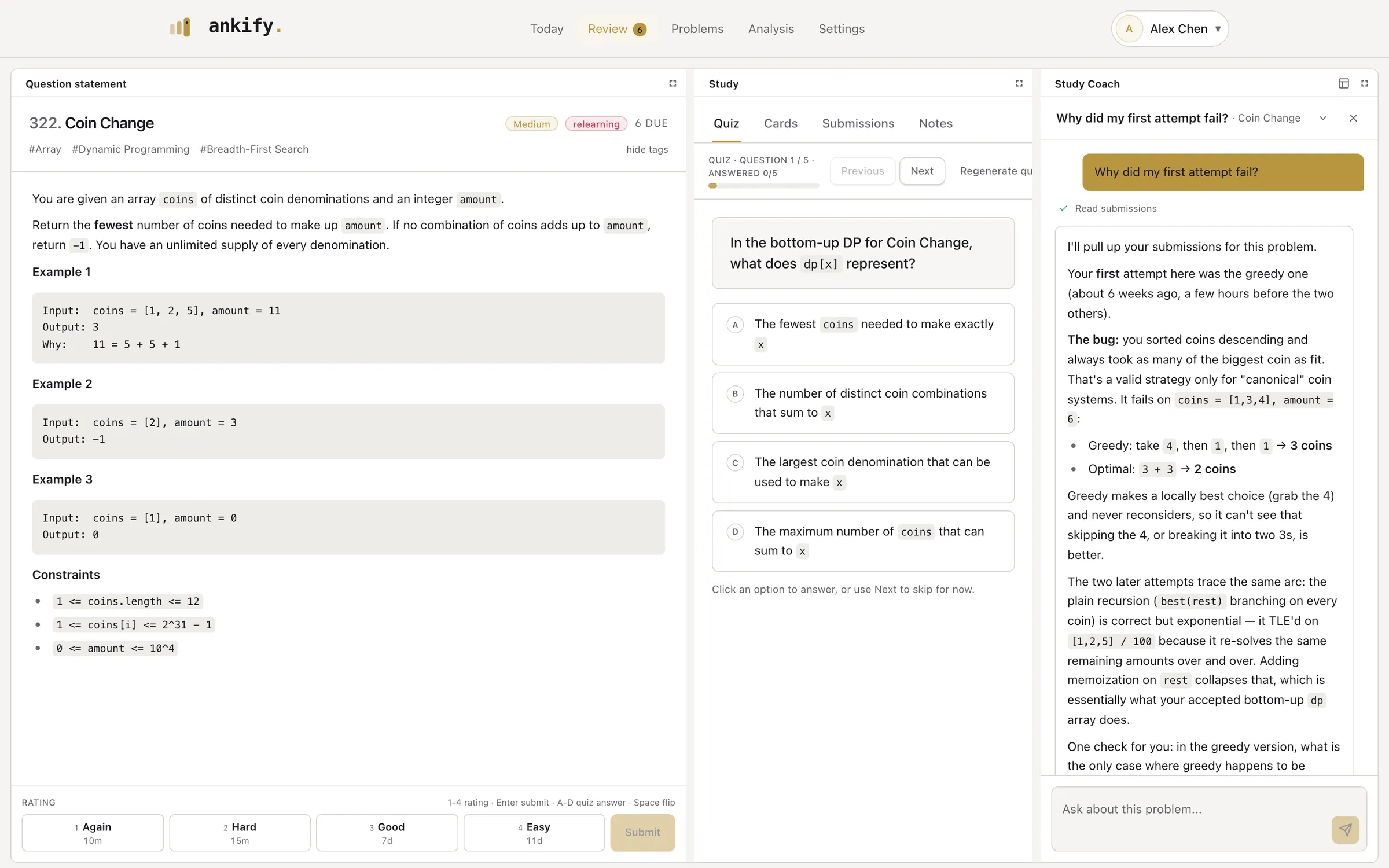
- Practice led by the coach. A review recalls your weakest cards first, then asks three check questions from at least three angles, always including complexity. A separate model call judges each answer point by point against the problem’s solution notes, and code, not the model, decides the grade.
- Study Coach is a tool-calling agent (Vercel AI SDK
ToolLoopAgent) that reads your submissions, notes and review queue, so it explains your attempt rather than a generic solution. Anything that writes data waits for confirmation. - Bring your own model. Free credits to start, then Anthropic, OpenAI or DeepSeek keys, encrypted with AES-256-GCM before they reach the database.
- Multi-tenant by construction. Every business table is scoped by
userId; the extension shares the web session through Better Auth, so there’s no token to paste.